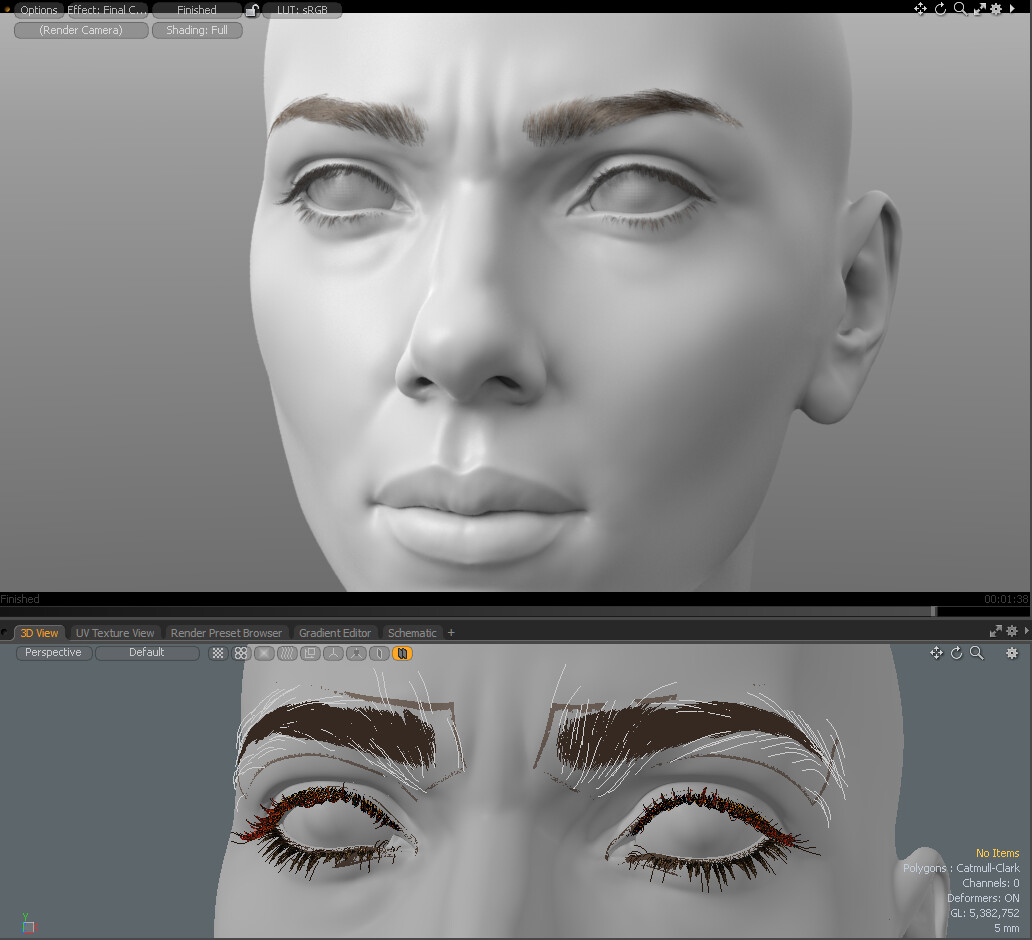
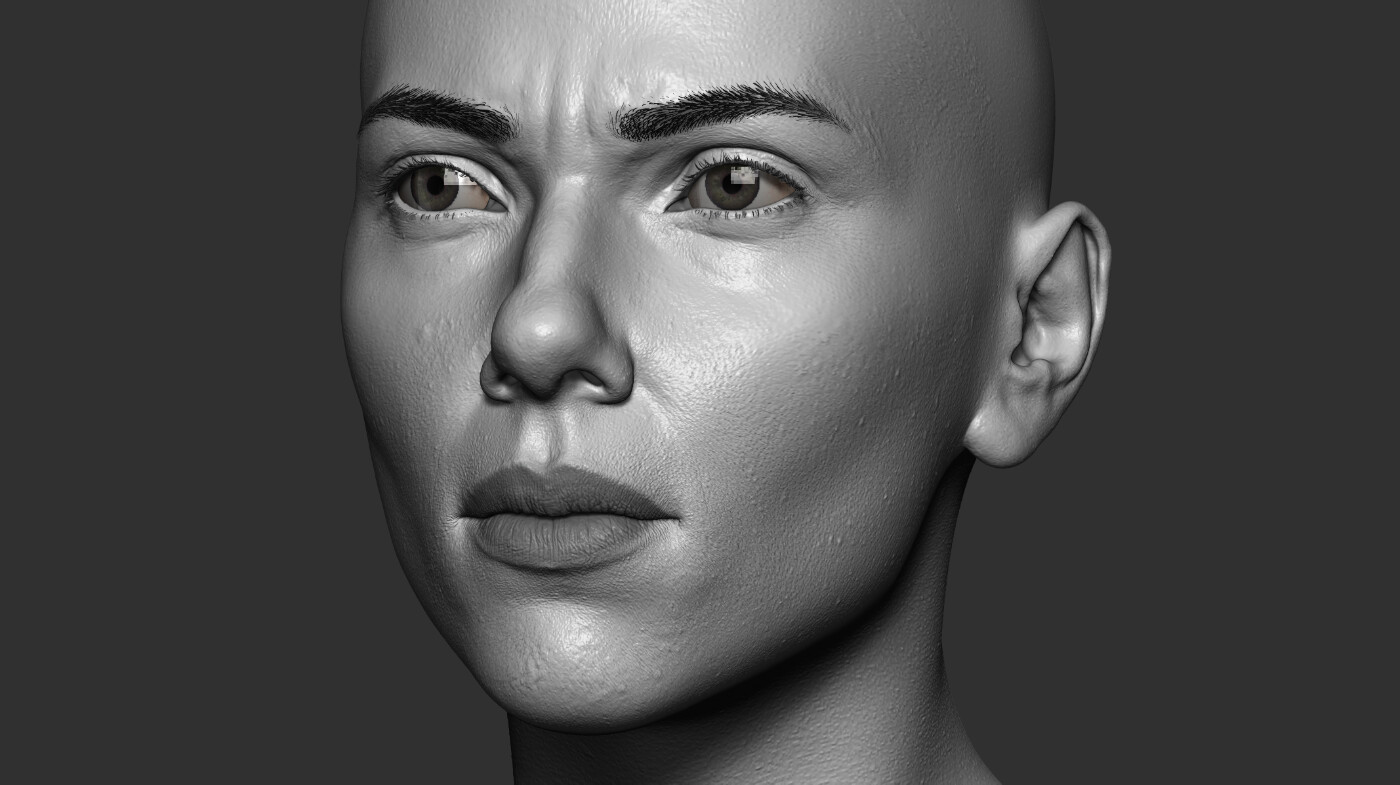
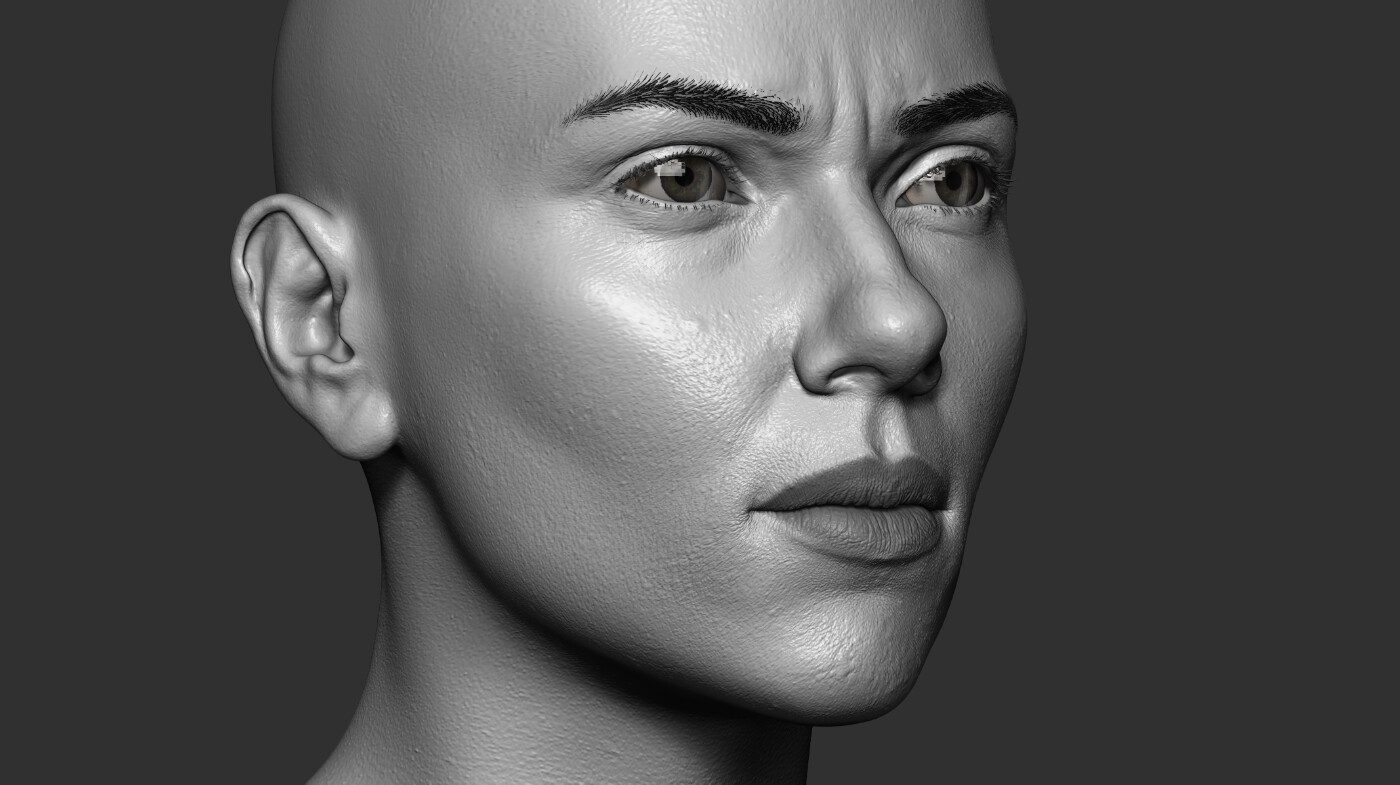
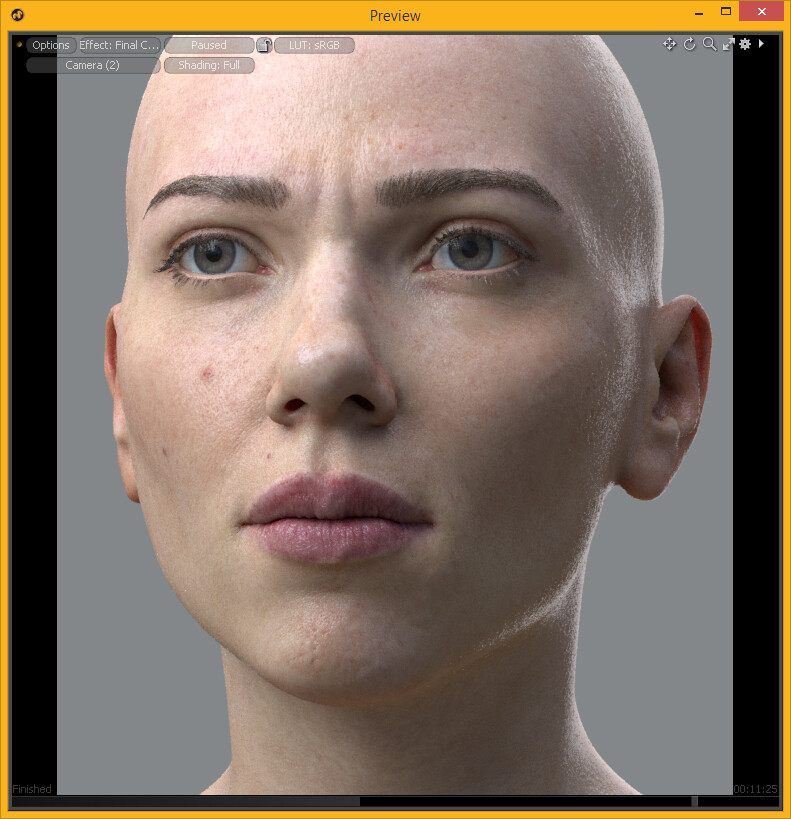
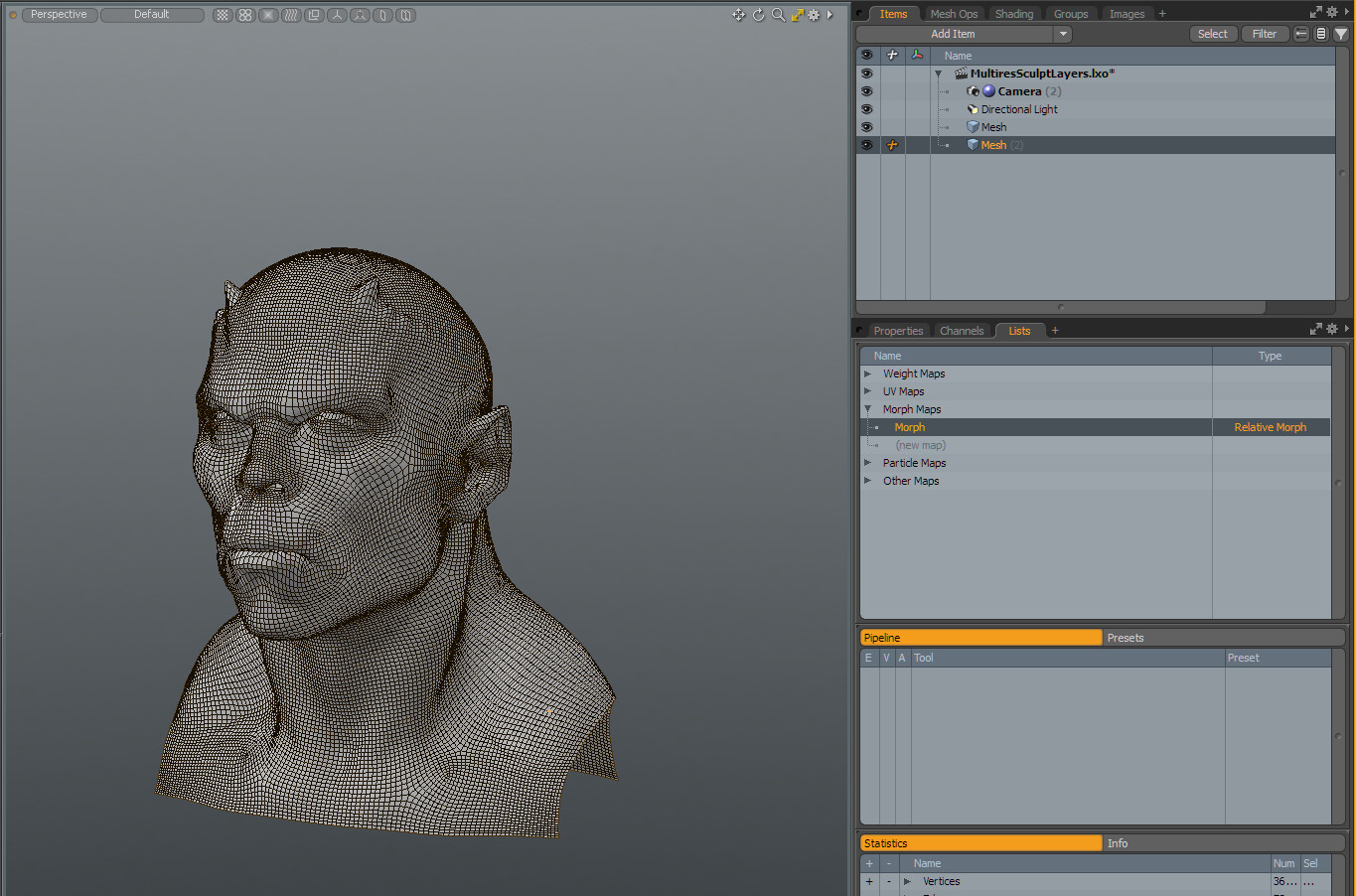
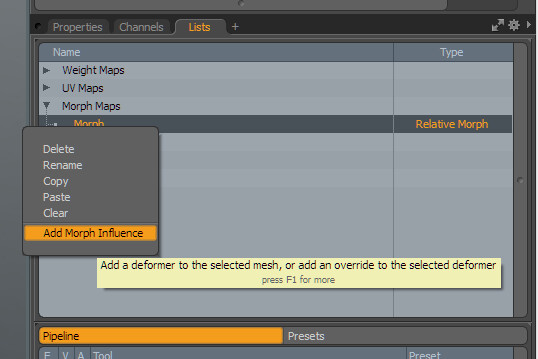
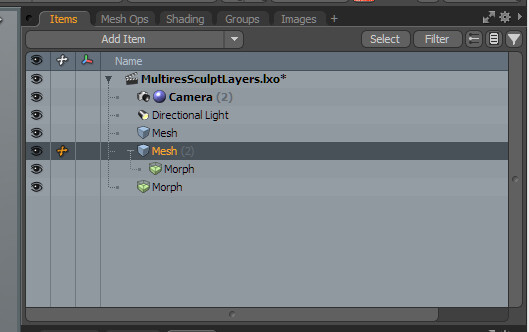
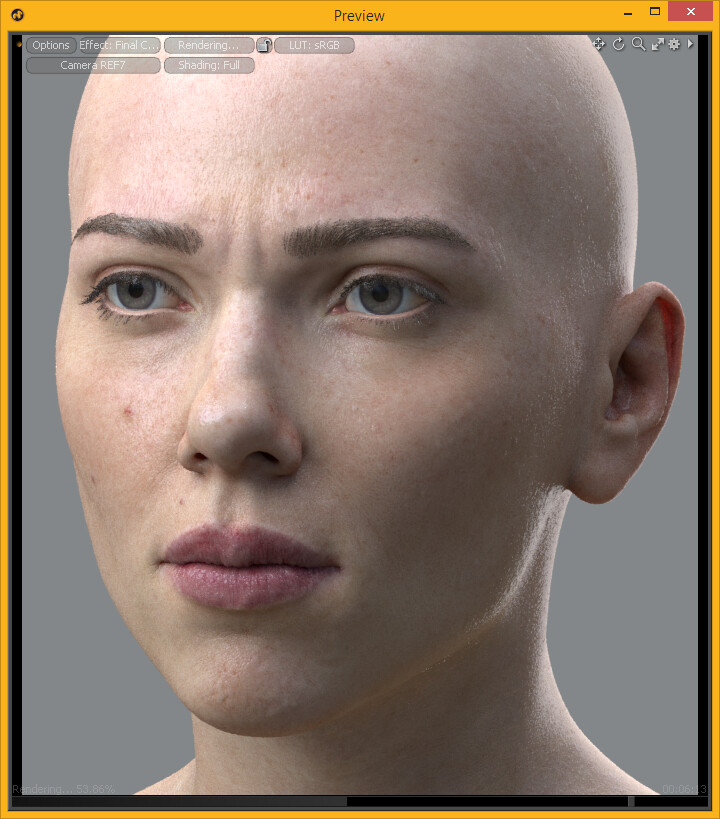
After a long time I had decided to continue and improve my Motoko Kusanagi head model.
First I needed to make hair for her in Modo. I had two choices to create base hair guides: import the hair guides from the ZBrush concept sculpt or make guides in Modo.
First I tried the ZB guides but the result didn't work well and seemed to hard to groom and tweak with Modo's hair tools.
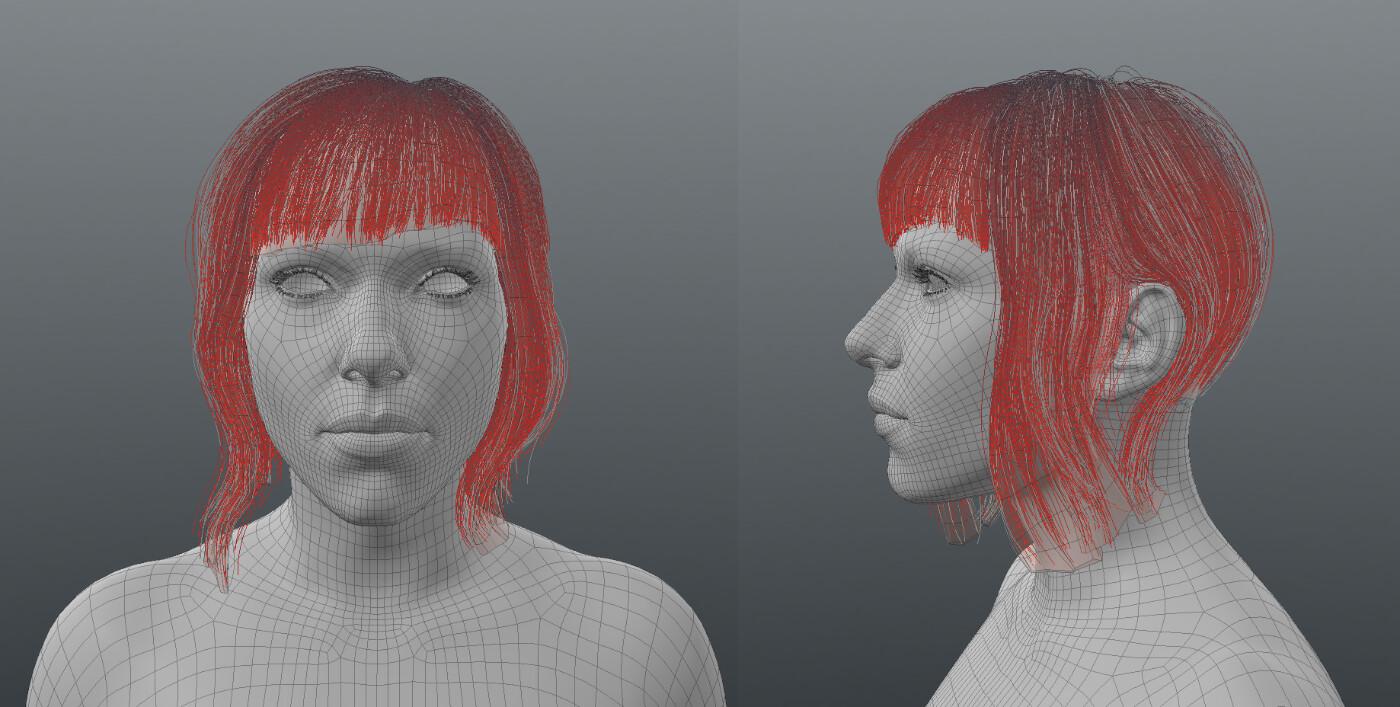
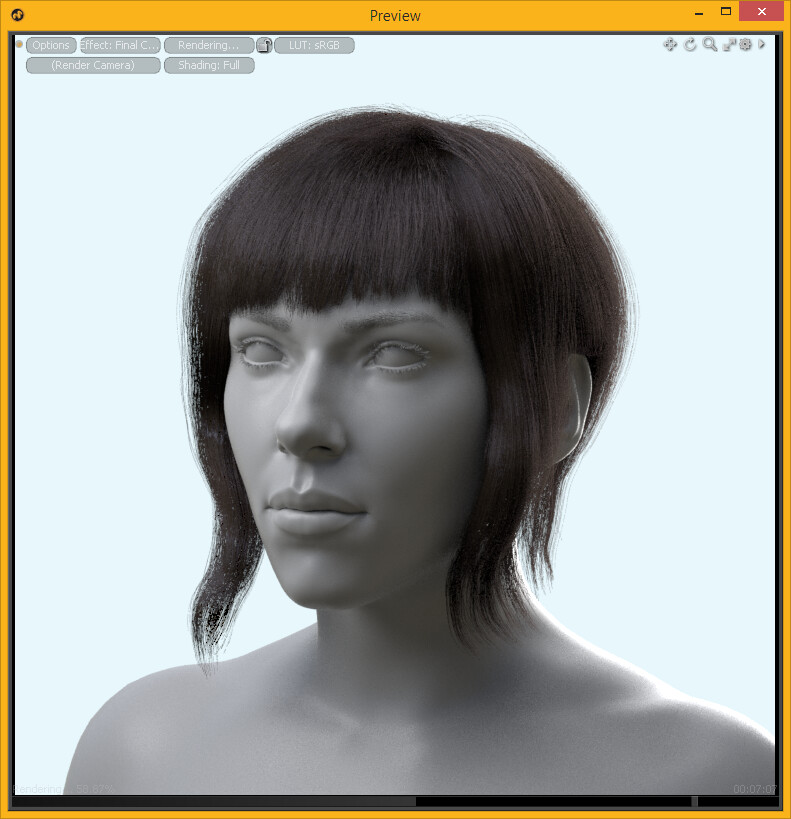
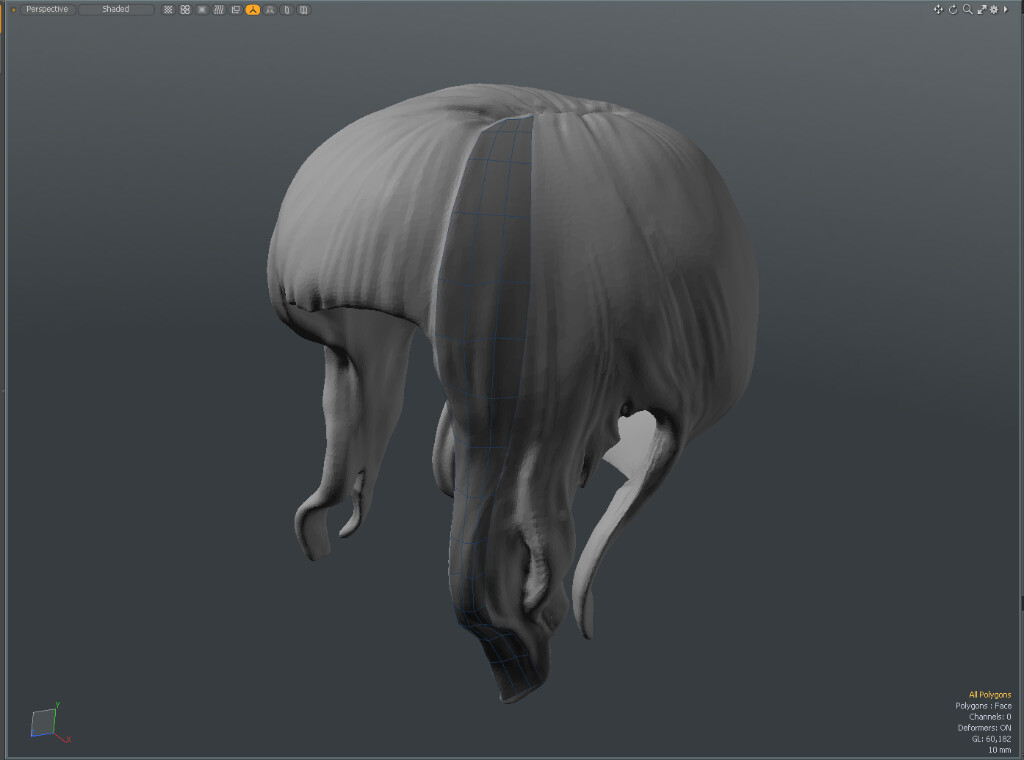
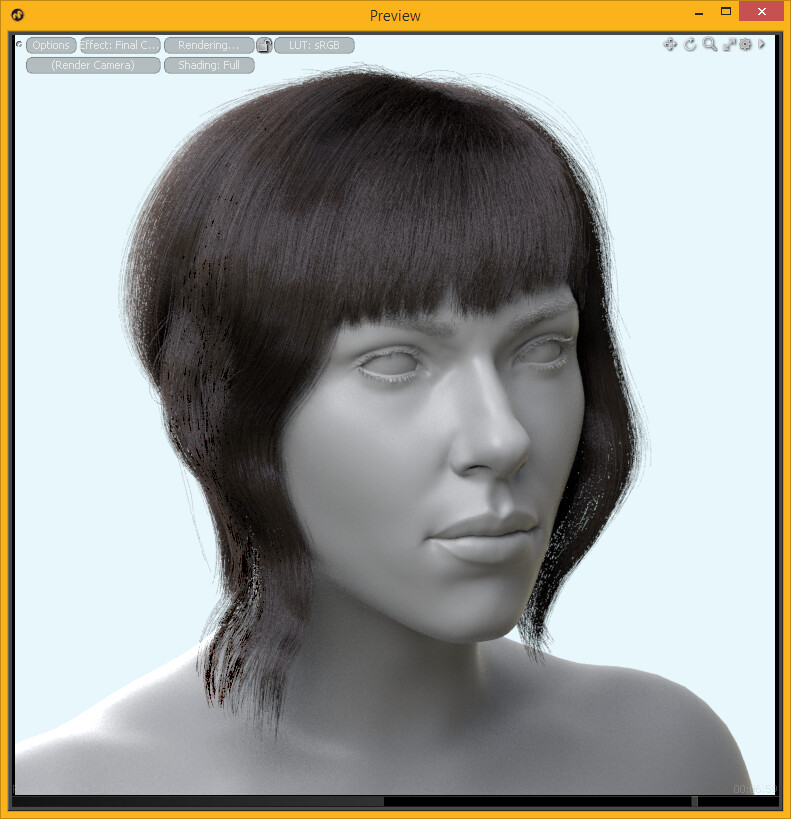
Finally I used the hair volume method: I made the hair concept sculpt for the hair volume in ZBrush, I retopoed the big tufts of hair on it, and generated hair guides into these retopoed volumes. This method made me able to sculpt the hair volumes. This method helps to create and control exact hair shapes.
The result:
I made a short tutorial about this technique.
How to create and use hair volume in Modo
1. Create a hair volume sculpt
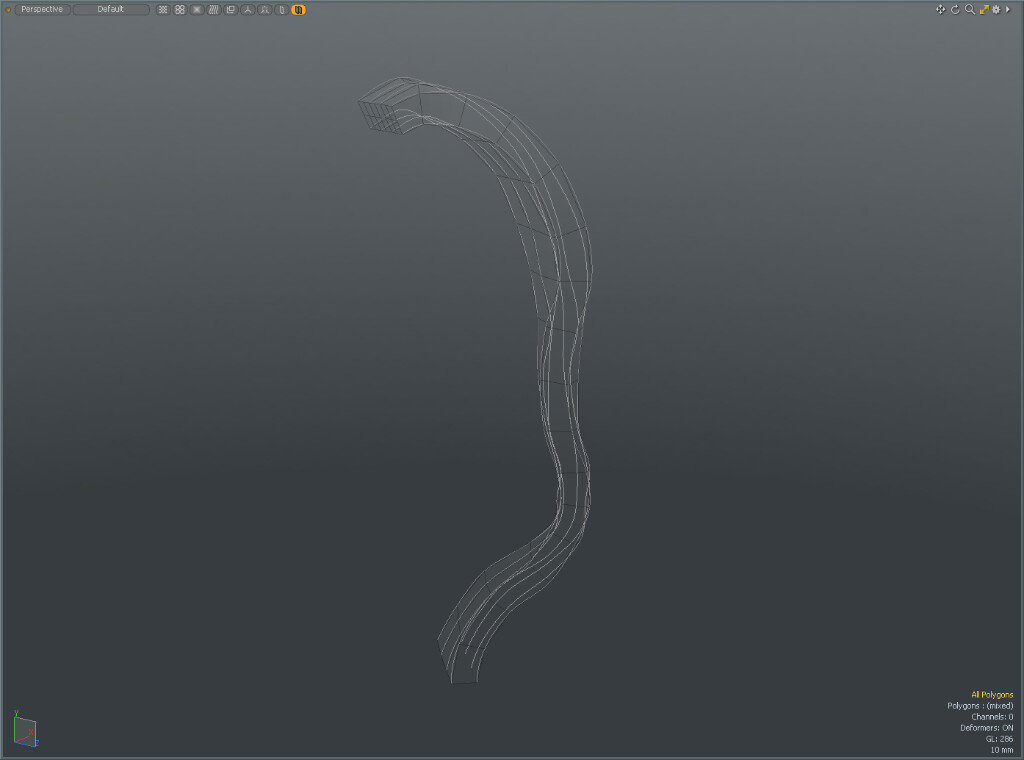
2. Make retopo of the hair tuft
(Click on image to enlarge.)
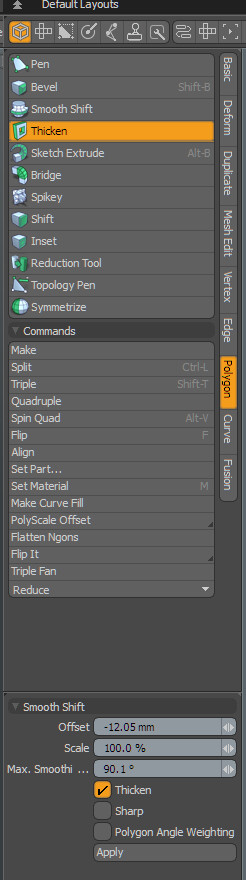
3. Use the thicken tool to achieve the desired volume
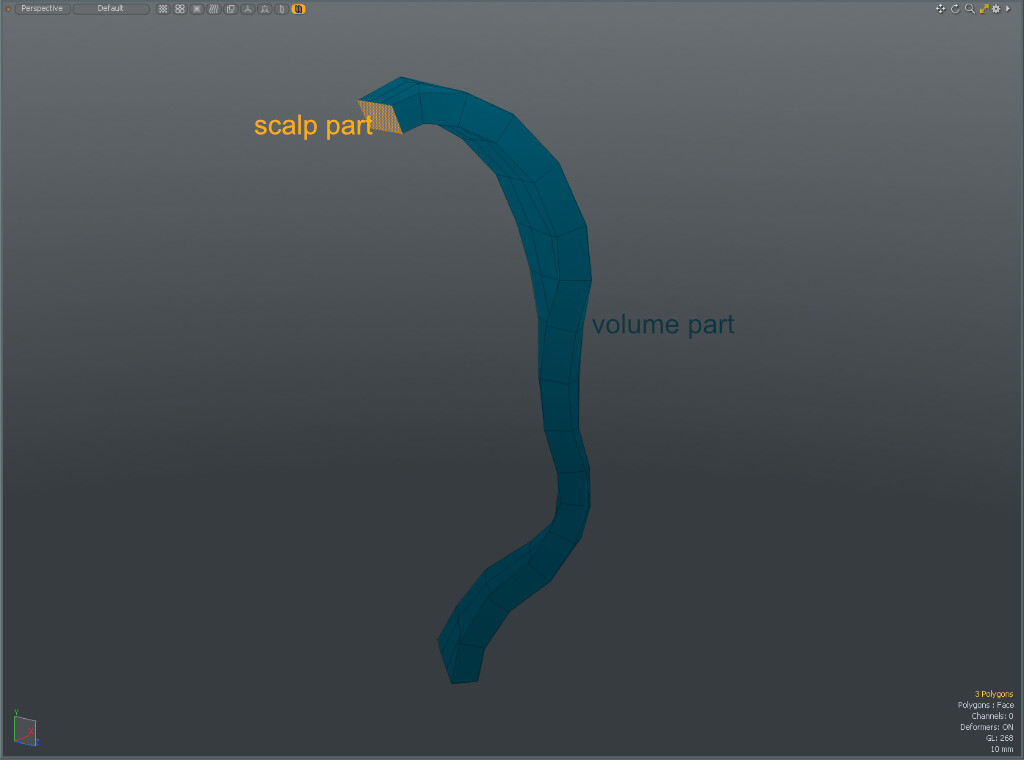
4. Create material for the scalp part and the volume part.
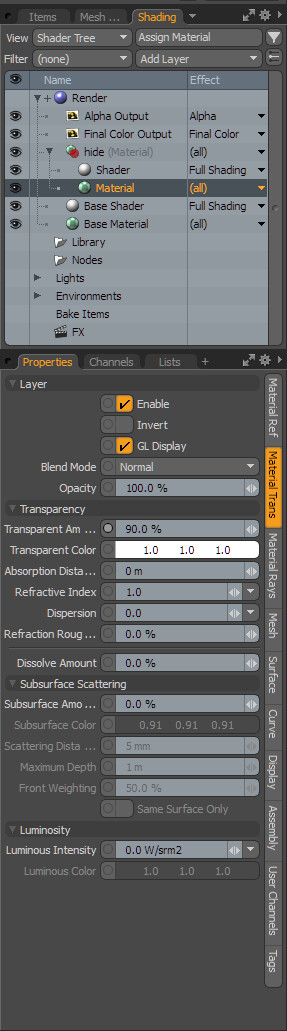
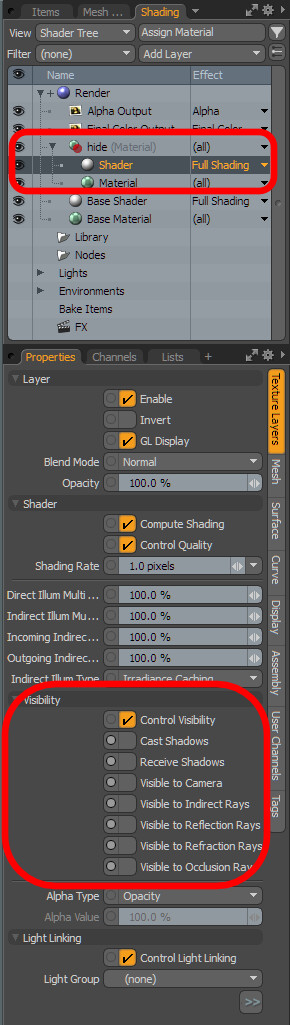
5. Set the volume material to opaque, add shader to volume material group and set all visibility settings to off except the Control Visibility. Put the volume material over the shader of scenes on the shading list. This setting is required for the volume model not to appear in render.
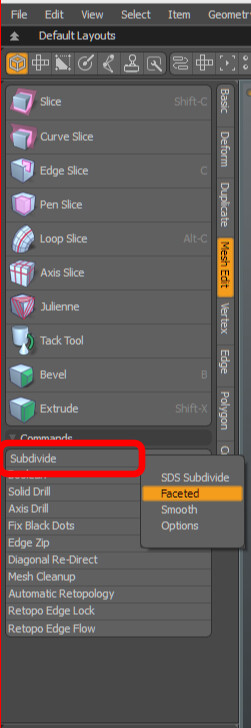
6. Copy and paste the scalp area, subdivide with Faceted setting, flip normals and add material grup to it.
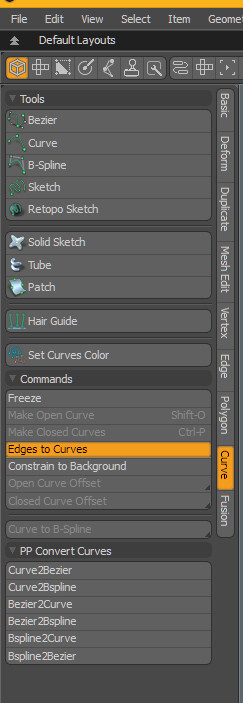
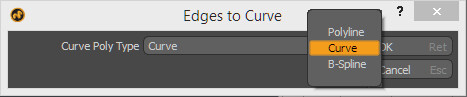
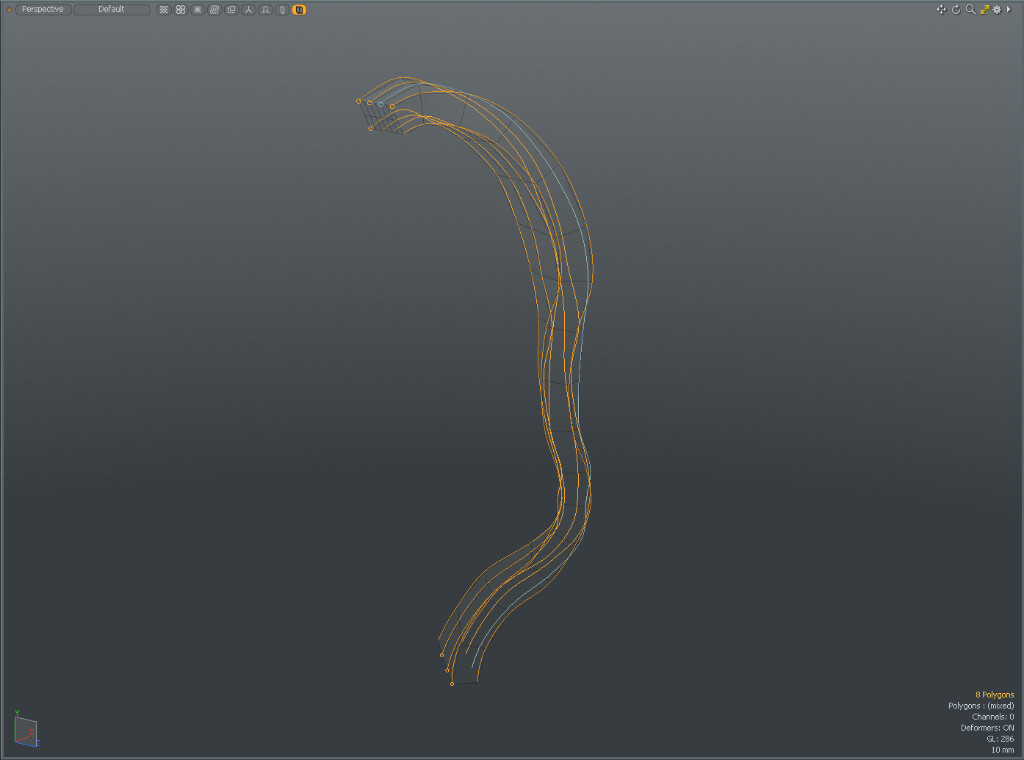
7. Select edges along the volume and generate curve polylines with Edges to Curves mesh operation and flip them if necessary (the curves root points marked with a small rings).
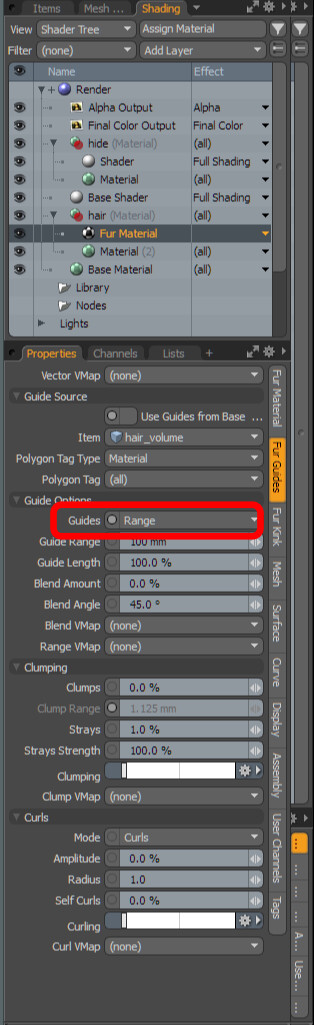
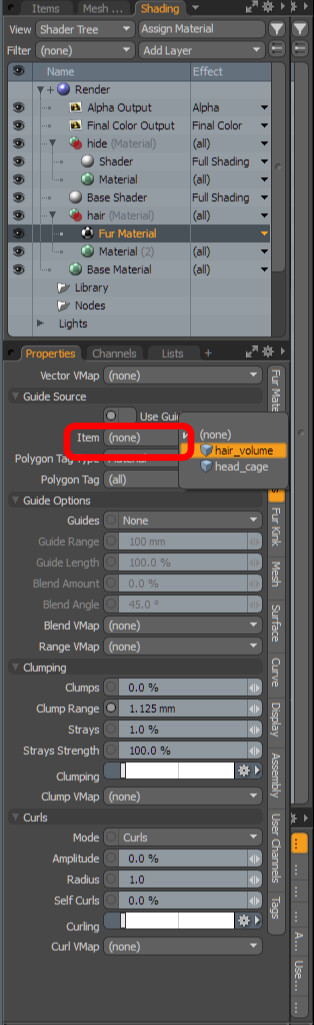
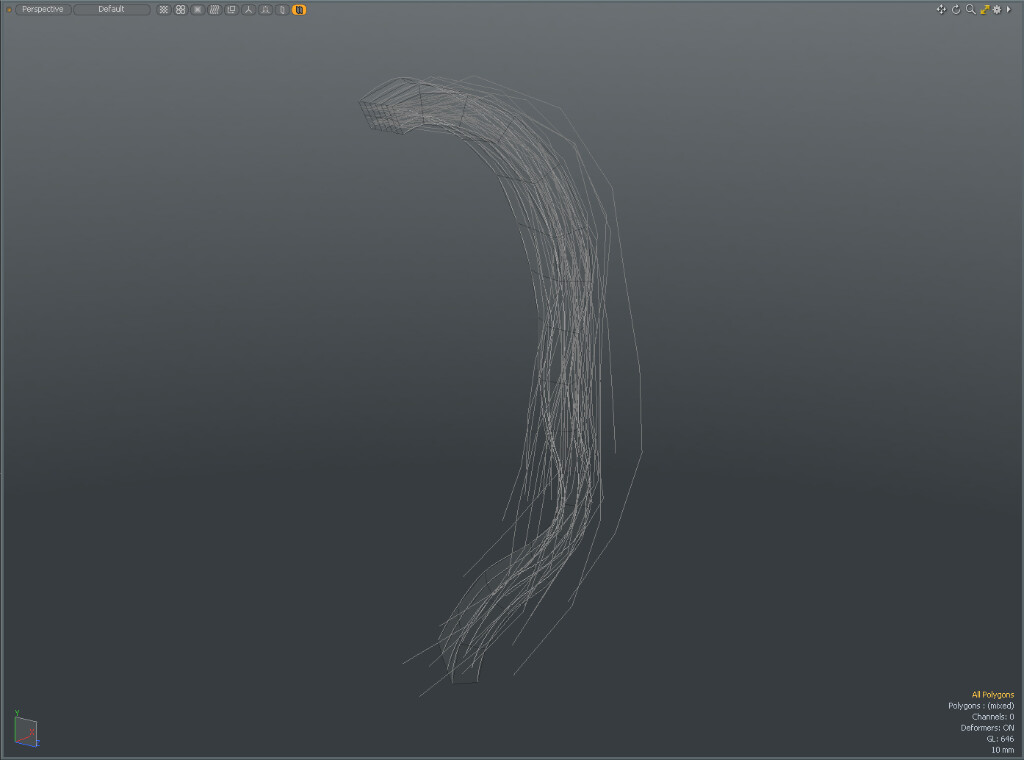
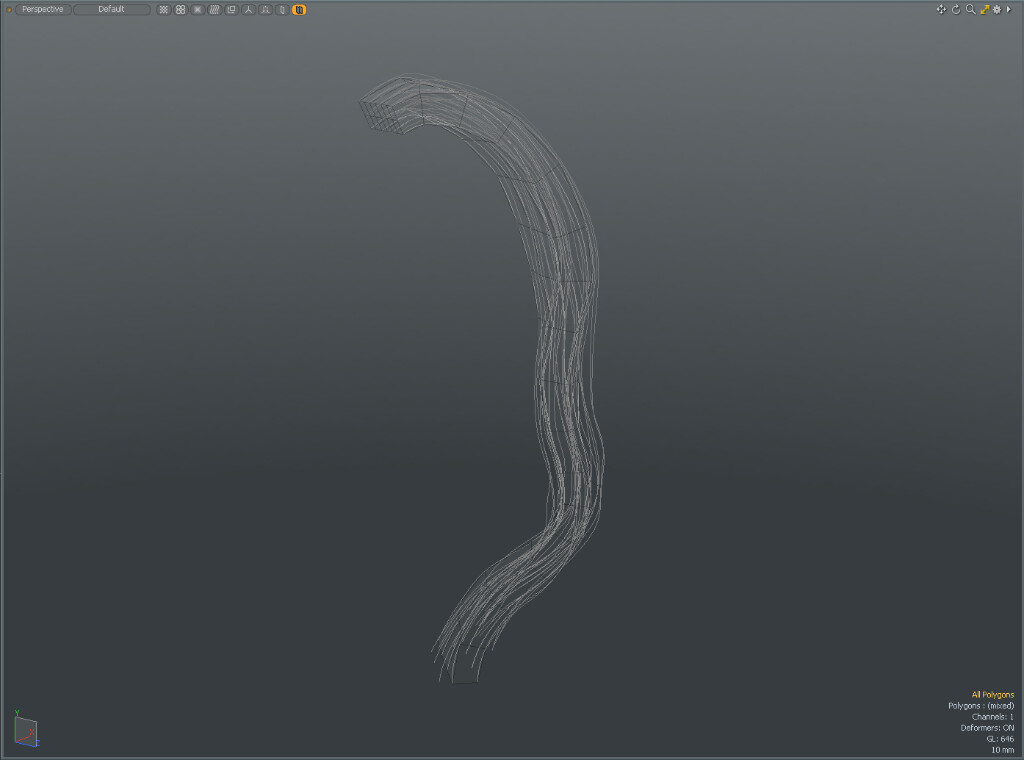
8. Add fur material to hair material group. Set the guide source to the volume and guides to range and tweak it.
Tweaked fur material:
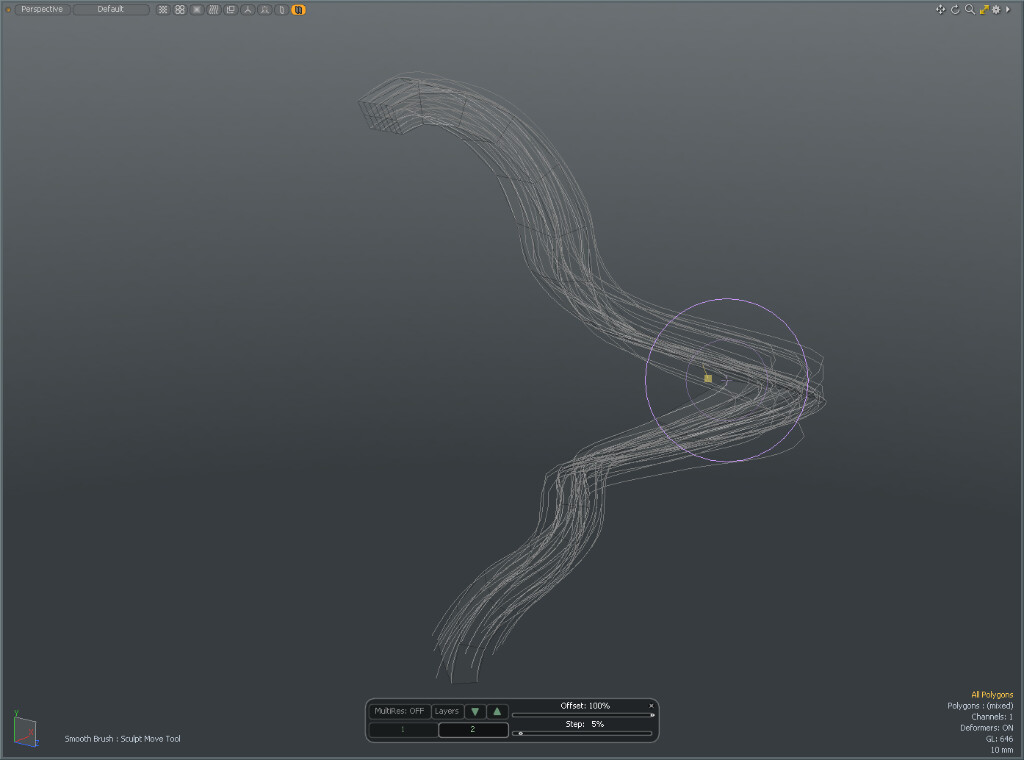
9. Sculpt the hair volume with sculpt tools if necessary.
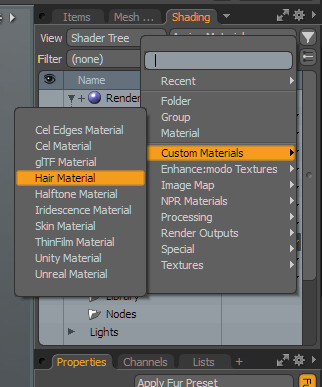
10. Add hair material on the material group
Thank you for watching.